Connect and verify
Choose your camera type in the app. Authorise the supported Edge Connector where needed, discover or enter the compatible stream, then verify playable video and name the camera.
 SENTRL AIENVIRONMENTAL INTELLIGENCE
A connected workflow across cameras, the Edge Connector, incident detection and the people reviewing the result.
Book a demo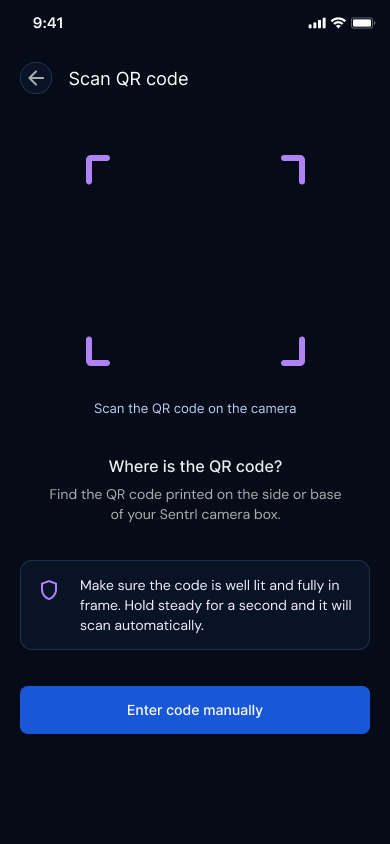
Normal setup starts with your camera type. QR/code pairing is a support fallback, not the first step for every customer.
Choose your camera type in the app. Authorise the supported Edge Connector where needed, discover or enter the compatible stream, then verify playable video and name the camera.
The system looks for people, waste, vehicles and actions over time. A person standing next to a bag is not automatically fly-tipping.
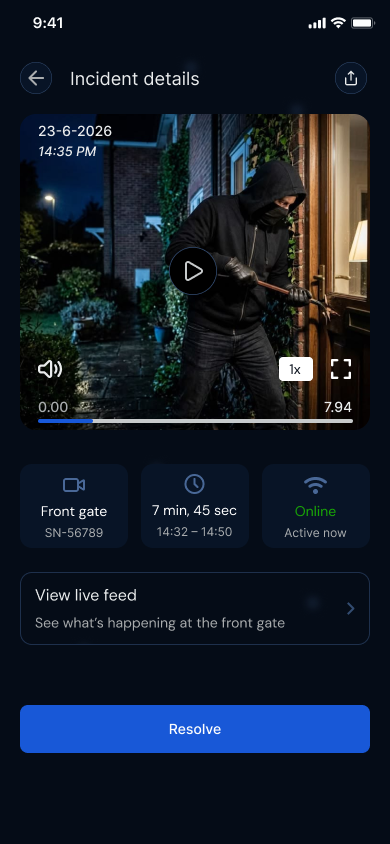
A possible sequence appears as suspected. Confirmation needs further sequence evidence. Suspected events use in-app or push alerts; confirmed events follow the configured escalation rules.
Open the incident, inspect available snapshots, the short evidence clip and the report. An authorised person checks the context and decides what happens next.
Fly-tipping intelligence moves from the camera to the people who can act, while keeping processing focused and human review in the loop.
Live camera analysis does not create a continuous cloud video library.
Confirmed incidents may retain one short evidence clip. Retention can be reduced to 1 day where appropriate; legal holds are handled separately.
Check the context before taking action. AI status is decision support, not a finding of guilt.
Customer incidents stay in the authorised app workspace. Public hotspot statistics come only from reviewed community submissions; they do not reveal your cameras, account or private incidents.
How community reporting works