01
INPUTCamera stream
- IP camera or CCTV
- Live stream
- Deployment-tested access
›
 SENTRL AIENVIRONMENTAL INTELLIGENCE
SENTRL AI connects compatible cameras to a clear incident workflow: detect possible fly-tipping, check the sequence, keep focused evidence and notify the people who can review it.
Made for cleaner shared environments. Built with privacy at its core.
HUMAN REVIEWConnect cameras, check live status and open incident evidence from one account. See the mobile and desktop workflow in a guided demo; release updates are shared with the waiting list.
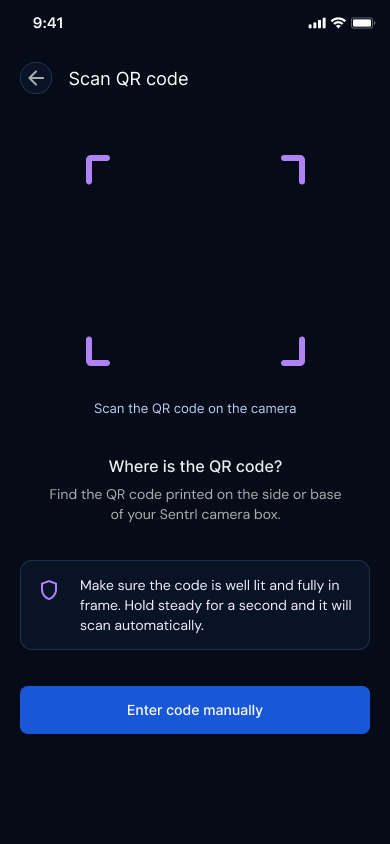
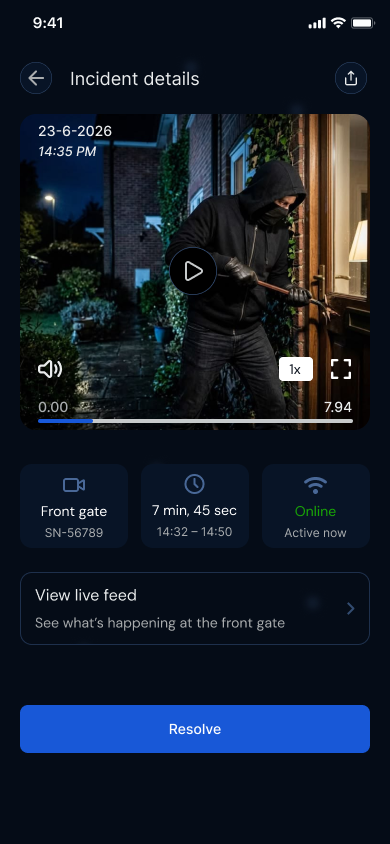
Fly-tipping intelligence moves from the camera to the people who can act, while keeping processing focused and human review in the loop.
Live camera analysis does not create a continuous cloud video library.
Confirmed incidents may retain one short evidence clip. Retention can be reduced to 1 day where appropriate; legal holds are handled separately.
Check the context before taking action. AI status is decision support, not a finding of guilt.
Book a guided demo and discuss your site. Join the waiting list for launch and pilot availability updates.
See the monitoring workflow and discuss your location with the SENTRL team.
Book a demoJoin the waiting list for mobile release updates.
Store release coming soonStore availability appears here when a verified release is published.
Store release coming soonExplore camera compatibility, site connectivity and connector setup with SENTRL.
Discuss your deploymentInterested in SENTRL AI for your organisation or community? Join the waiting list for launch and pilot availability updates.
A suspected event means a possible sequence is being checked. The system looks for evidence over time, such as waste being left and remaining after a person or vehicle departs. Confirmed is an AI workflow status, not a legal finding. A person must still review the evidence.
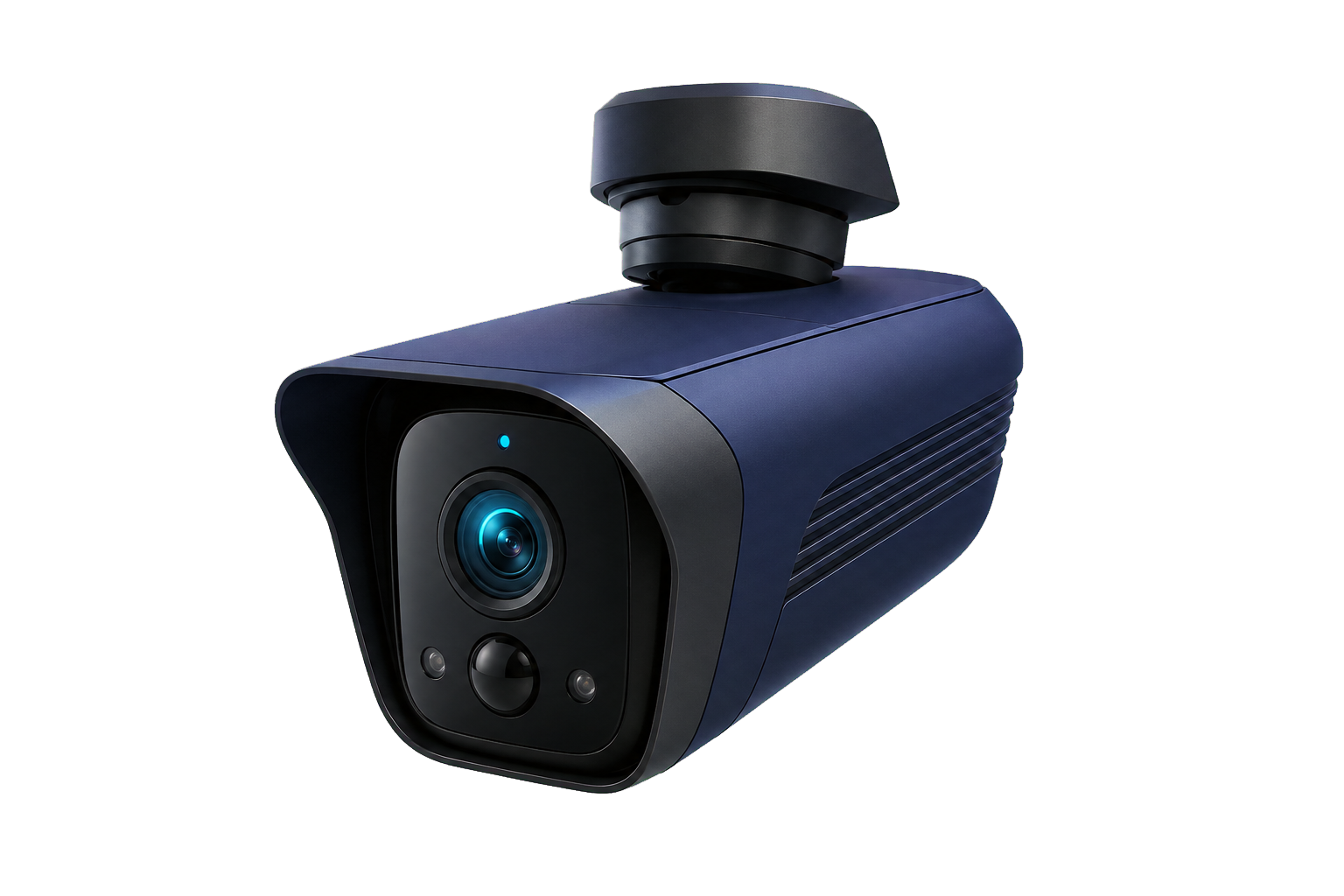
The SENTRL Edge Connector is the connection layer between compatible cameras and your account. The dedicated edge device is in development, designed for an on-site connection managed through the app. Supported connector software is offered through an agreed pilot setup. Contact SENTRL to assess your location.
It means there is no continuous cloud video archive. Accounts, device details and incident records still exist, and confirmed incidents can retain short evidence for a defined period. Community reports are a separate optional submission with their own privacy and retention rules.
Enter the waste address or a nearby place, with its city and country, and press Find location. Choose the matching result; the map moves there. Check the pin and drag it to the waste if needed, then confirm the location. You can also tap the map or place a pin at its centre. If you already have coordinates or a supported full map-pin link, use the optional section below the map. Check the pin before continuing. Short share links need the coordinates instead; pasted links are read locally and never opened by SENTRL.
No. The search text is sent to the Photon address lookup service when you press Find location or Enter. Do not enter names or contact details. Your report goes to SENTRL only after you review it and press Submit report privately. Precise locations, labels, notes and attachments stay off the public hotspot map.
Planning a pilot, integrating a camera estate or exploring a partnership? Tell us what you are building.